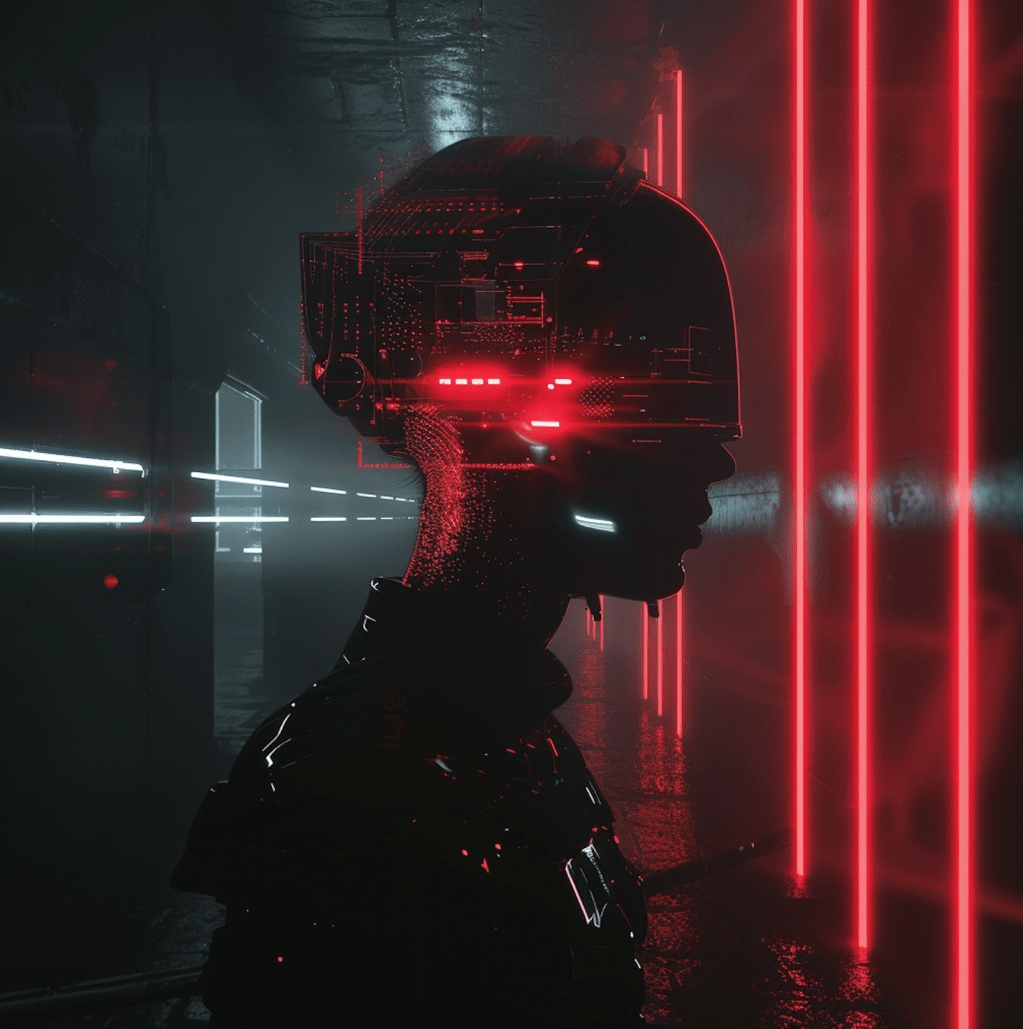
Stable Diffusion AI has been creating quite a buzz lately, and it’s no wonder why. This cutting-edge text-to-image model is transforming the way we create visuals, offering a world of possibilities for artists, designers, and creators of all kinds. But what exactly is Stable Diffusion, and how can you harness its power to bring your ideas to life?
What is Stable Diffusion?
Stable Diffusion AI is a latent diffusion model designed to generate AI images. Whether you’re looking for photorealistic renderings or artistic masterpieces, Stable Diffusion can deliver. And the best part? It’s completely free to use on your PC, making it accessible to anyone with a creative spark.
How to Use Stable Diffusion?
Using Stable Diffusion is as simple as providing a prompt that describes the image you want to generate. For example, you could input “gingerbread house, diorama, in focus, white background, toast, crunch cereal” and watch as Stable Diffusion brings your vision to life.
What Sets Stable Diffusion Apart?
While there are other text-to-image generation services out there, Stable Diffusion stands out for several reasons. Not only is it open-source, with a thriving community of enthusiasts creating free tools and models, but it’s also designed to run efficiently on low-power computers, making it accessible to creators of all levels.
Is Stable Diffusion AI Free?
Yes, Stable Diffusion is free to use on your own Windows or Mac machines. However, if you opt for an online service, you may incur a modest fee for access to the necessary hardware.
What Can Stable Diffusion Do?
Stable Diffusion is capable of much more than just generating images from text. Here are just a few of its impressive capabilities:
∘ Generate images from text: Simply input your desired image description, and Stable Diffusion will do the rest.
∘ Generate an image from another image: Transform one image into another using Stable Diffusion’s image-to-image feature.
∘ Photo Editing: Use inpainting to regenerate parts of AI or real images.
∘ Make Videos: There are two main ways to make videos with Stable Diffusion: from a text prompt and from another video.
How to Use Stable Diffusion AI
For beginners, a free online generator is a great place to start. However, if you’re looking for more advanced features and functionalities, consider using a more robust GUI like AUTOMATIC1111.
How to understand GUI and AUTOMATIC 1111
Imagine you have a magical pencil that can draw anything you can imagine. Imagine you want to use this magical pencil on your computer to create amazing pictures. A GUI, which stands for Graphical User Interface, is like a special magic box that helps you use your magical pencil on your computer. It has buttons, sliders, and other tools that make it easy for you to draw and create.
Now, AUTOMATIC1111 is like a super cool version of this magic box. It’s a special program that helps you use your magical pencil (or, in this case, Stable Diffusion AI) to create even more awesome pictures. It has lots of extra features and options that make it easier for you to make your drawings look exactly how you want them to. So, if you want to make really cool pictures with your magical pencil, AUTOMATIC1111 is the way to go!
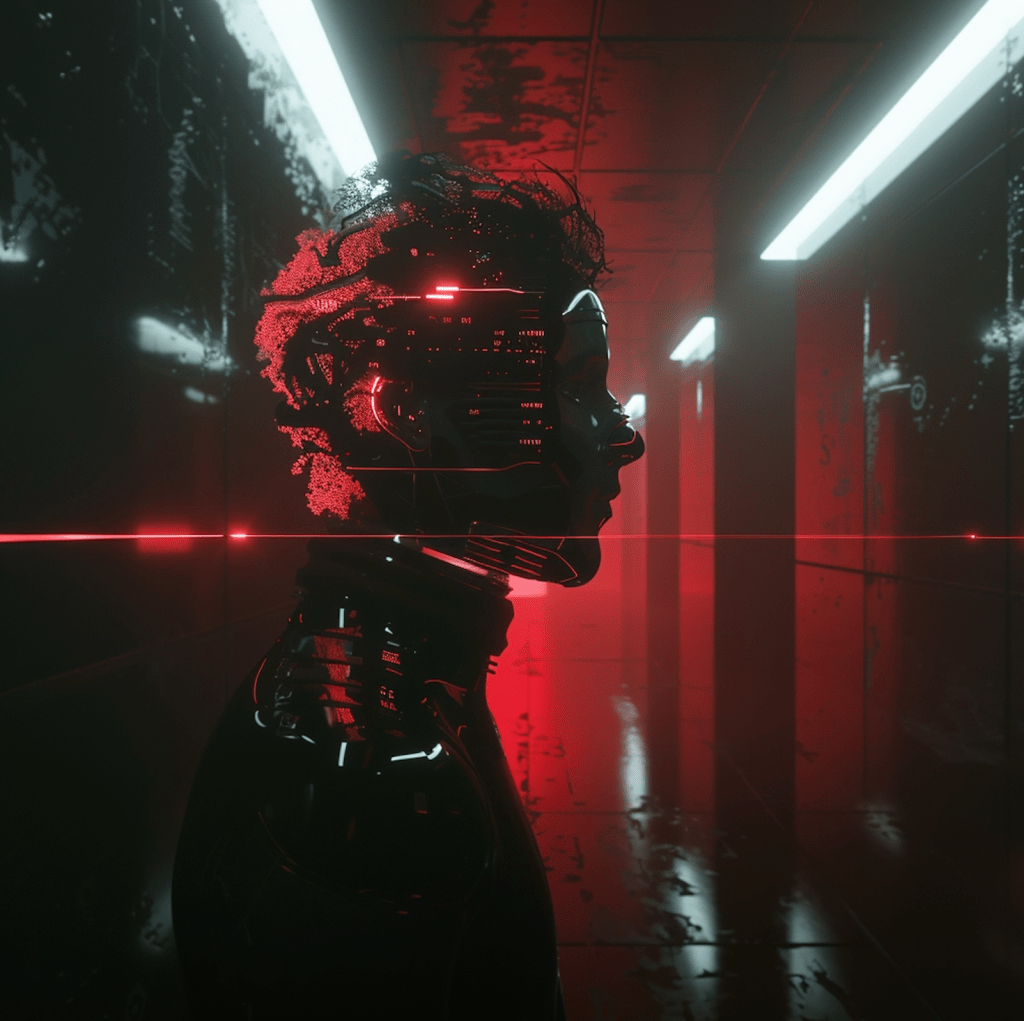
Building a Good Prompt
Crafting a good prompt is essential for getting the results you want with Stable Diffusion. Be sure to include detailed descriptions and powerful keywords to define the style and content of your image.
What Are Those Parameters, and Should I Change Them?
When using Stable Diffusion, you’ll have the option to adjust various parameters like image size, sampling step, CFG scale, and seed value. Experiment with these settings to fine-tune your results and achieve the desired outcome.
How Many Images Should I Generate?
It’s always a good idea to generate multiple images when testing a prompt. This will give you a better sense of the range of results possible and help you find the perfect image for your project.
Common Ways to Fix Defects in Images
If you encounter defects in your images, don’t worry. There are several post-processing techniques you can use to enhance your creations, from using image restoration models to inpainting.
What Are Custom Models?
Custom models allow you to train Stable Diffusion to generate images in specific styles or genres. Whether you’re interested in anime, Disney, or something entirely unique, custom models offer endless possibilities for creative expression.
How to Control Image Composition?
Stable Diffusion offers several ways to control image composition, including image-to-image transformations, ControlNet, regional prompting, and depth-to-image techniques.
Midjourney or Stable Diffusion?
Determining whether stable diffusion is better than Midjourney depends on your specific needs and preferences. Both Stable Diffusion and Midjourney are text-to-image generation models, but they may excel in different areas.
Stable Diffusion is known for being open-source, which means that it’s developed by a community of enthusiasts, leading to a wide range of free tools and models. It’s designed to run efficiently on low-power computers, making it accessible to a broader audience. Additionally, Stable Diffusion offers various features like image generation from text prompts, image editing, and video creation.
On the other hand, Midjourney also offers text-to-image generation services but may have its own unique strengths and capabilities. It’s essential to consider factors such as ease of use, the quality of generated images, available features, and any specific requirements you may have for your projects.
Ultimately, the best choice between Stable Diffusion and Midjourney depends on your individual needs and preferences. It may be helpful to try out both platforms and see which one aligns better with your goals and workflow.
Subscribe to my blog to stay updated on the latest advancements in AI image generation and other cutting-edge technologies.
Thank you for reading!




