Are you taking advantage of all that your creative process has to offer? If you’re not leveraging permutations in Midjourney, chances are you’re missing out on a game-changing feature that can supercharge your image creation process.
I’ve noticed many aren’t using permutations, a simple yet indispensable feature in Midjourney. So, let’s explore why you should be incorporating permutations into your workflow and how they can improve your creative output.
What are permutations?
Basically, they enable the rapid generation and processing of multiple prompt variations, significantly reducing the time spent on crafting individual prompts for each variation. As a result, you can produce images up to 8 times faster than before without compromising on quality.
Permutations allow you to:
∘ Speed up your time to final image.
∘ Develop your creative potential by exploring diverse variations.
∘ Streamline productivity by automating repetitive tasks.
∘ Obtain diverse outcomes to choose from.
∘ Conduct A/B testing at scale to optimize results.
Permutations play a crucial role in understanding how Midjourney interprets various variables, especially with regard to image weights and stylization, which may be the strongest argument for embracing them.
Still not convinced?
Think about this: by adding permutations to your workflow, you are not only increasing productivity and saving time, but you are also opening up a world of previously unattainable creative opportunities.
So, if you’re not already using permutations regularly, it’s time to make a change. Take my word for it, but let me show you how permutations can transform in Midjourney.
How to use permutations?
*You must be in fast mode to use permutations
You can use permutation prompts to create combinations and permutations involving any part of a prompt.
This includes:
∘ Text
∘ Parameters
∘ Image prompts
∘ Prompts weights
When you include lists of options separated by commas within curly brackets {} in your prompt, you can create multiple versions of the prompt with different combinations of those options.
For example, {item a, item b, item c}
girl standing near a blue glass in the style of lo-fi aesthetics, blue and pink tones, surrealist and dreamlike visuals, experimental filmmaking, model face, ultra sharp — ar 2:3 — syle raw — s {50, 333, 750} — v 6.0
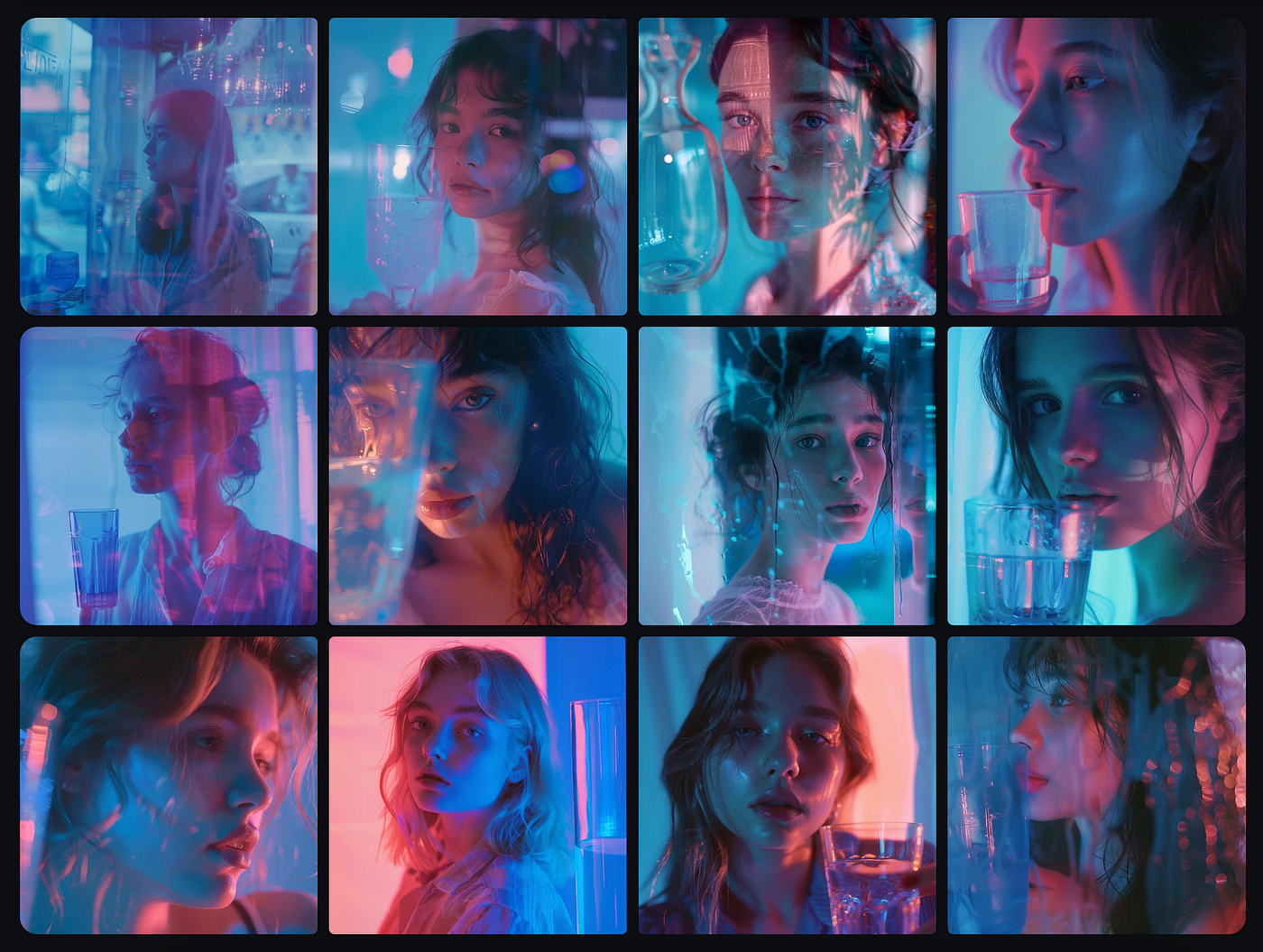
You can also use permutations on keywords/tokens inside your prompt.
{girl,boy} standing near a blue glass in the style of lo-fi aesthetics, blue and pink tones, surrealist and dreamlike visuals, experimental filmmaking, model face, ultra sharp — ar 4:5— syle raw — s 750 — v 6.0
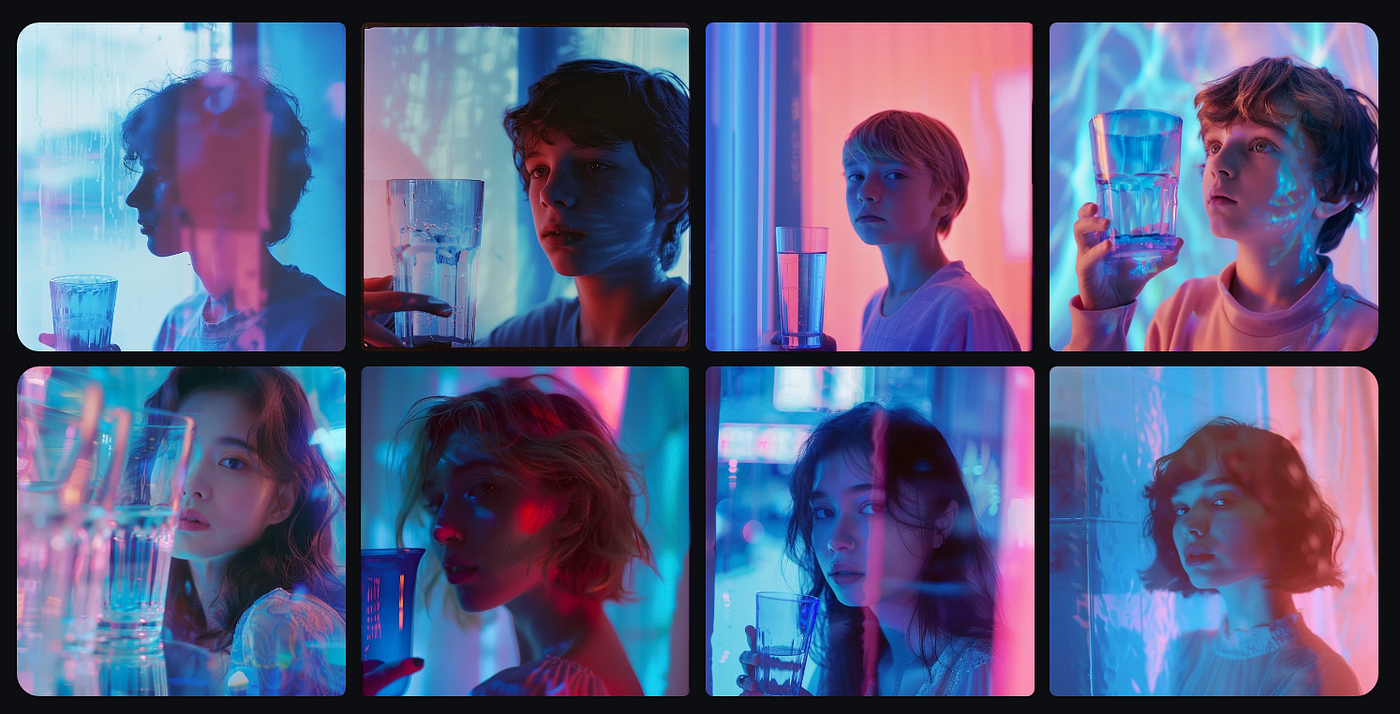
You can also use multiple permutations inside your prompt
In a single prompt, it is also possible to nest sets of bracketed options inside other sets of brackets.
A {sculpture, painting} of a {raven {on a desert, on a beach}, dachshund {on a bed, in a car}
This prompt will create 8 individual jobs:
∘ A sculpture of a raven on a desert
∘ A sculpture of a raven on a beach
∘ A sculpture of a dachshund on a bed
∘ A sculpture of a dachshund in a car
∘ A painting of a raven on a desert
∘ A painting of a raven on a beach
∘ A painting of a dachshund on a bed
∘ A painting of a dachshund in a car
Thank you for reading!




