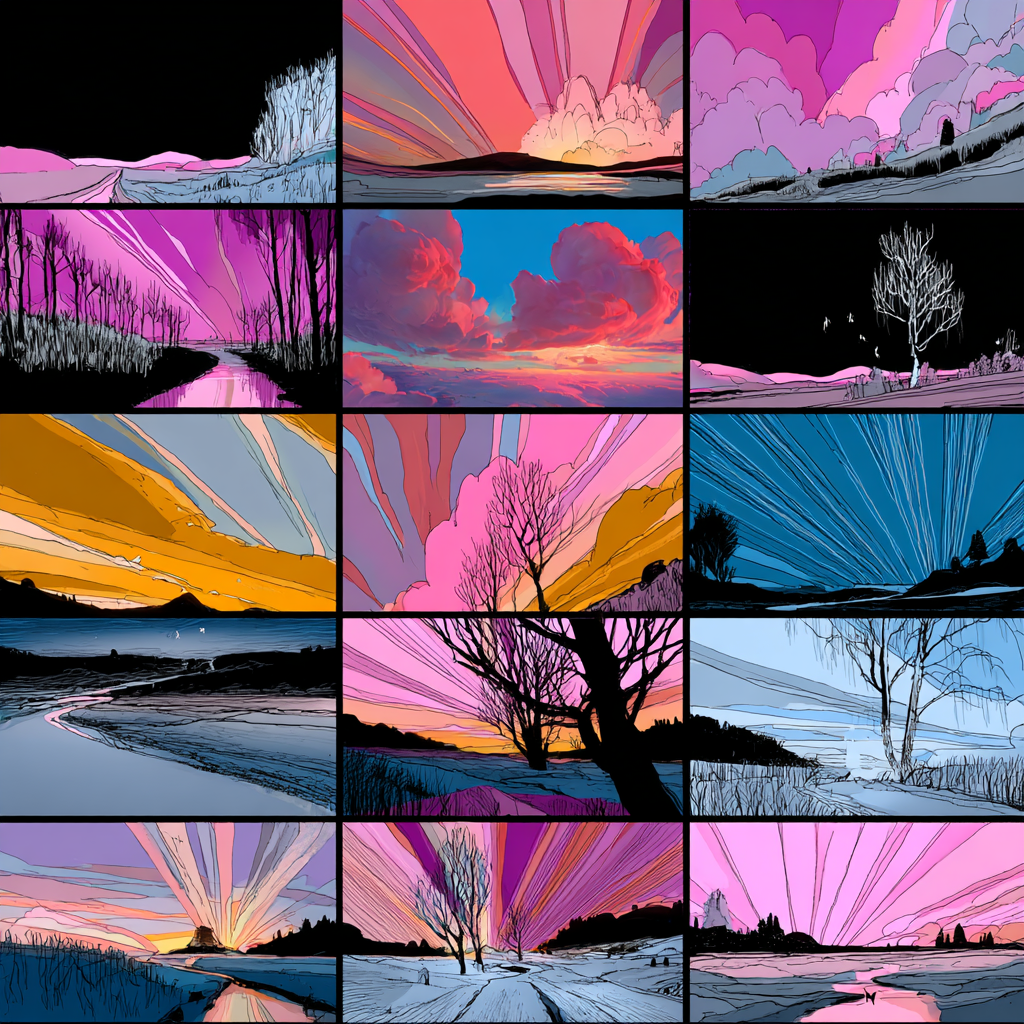
Hello Creators,
Yes, it’s real — Midjourney Video is finally here, and with it comes a brand-new feature: Keyframes. You can now generate short video loops by simply setting a first and last frame, and letting Midjourney animate the in-between.
It’s as simple as:
- Add two images
- Hit generate
- Watch your stills come to life
But that’s just the surface.
The Keyframe Workflow
Curious creators are already pushing it further. One approach that’s gaining traction:
- Generate your original image
- Remove the background
- Regenerate a new one
- Use both versions as keyframes
- Then use Extend to add movement and continuity
The result? A dynamic, cinematic shift between two worlds — even if it’s not always perfect.
Thoughts from early testers:
- Motion is still rough, pacing can be jumpy
- Big aesthetic shifts between frames may confuse the model
- Subject consistency is key (literally)
- But… try keyframes that don’t match
- You’ll get weird, glitchy, magical surprises — very Midjourney
This isn’t a polished production tool yet. But it is a powerful new sandbox for experimentation. If you’re into visual transitions, mood shifts, or just building vibes in motion — now’s the time to explore.
Stay curious,
Kinomoto.Mag




