Looking for something specific?
Pick a category and dive into the archives ✦
- 3D
- AI
- AI-agents
- AI-basics
- AI-in-advertising
- AI-learning
- AI-news
- ai-tools
- animation
- avatar
- character
- CHATGPT
- comfyui
- content-creation
- design
- digital-art
- filmmaking
- gaming
- generative-AI
- image
- keyframes
- Lip Sync
- llm
- meetup
- model-training
- music
- pick's
- prompt
- rendering
- tech
- tutorial
- upscale
- voice
- workflows
-
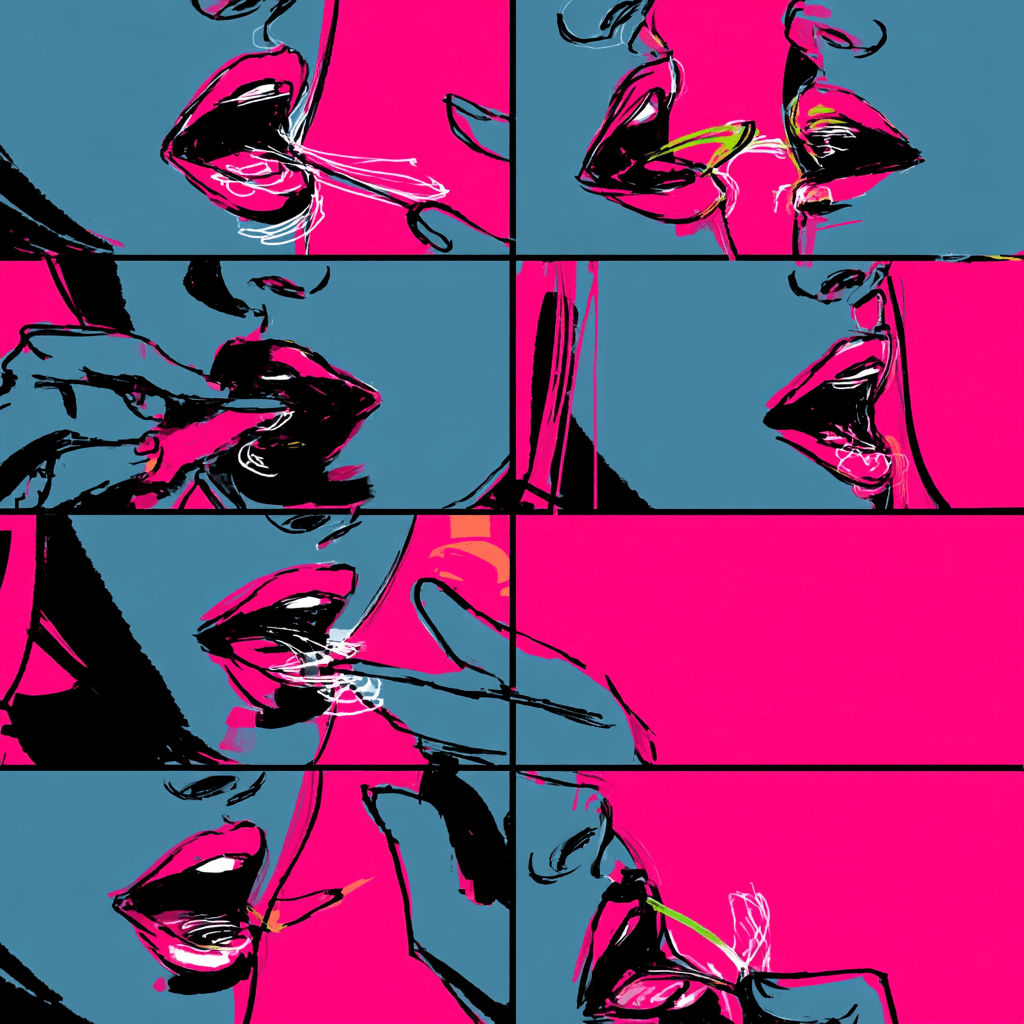
Curious Refuge has released a Pro Tutorial focusing on effective AI video lip sync techniques. It guides creators on selecting tools, optimizing settings, and maintaining natural emotion and timing for high-quality results. This tutorial aims to enhance immersion in AI-generated videos, offering a discount code for further learning opportunities.
-

Weavy is revolutionizing traditional photoshoots by enabling creators to generate multiple high-quality visuals from a single seed image. This AI platform simplifies the content creation process, offering infinite angles and 360° exploration without reshoots, ultimately reducing production costs and accelerating campaign cycles. The future of brand visuals is dynamic and AI-driven.
-

Canva has introduced a significant update featuring Google’s Veo 3 model, enabling users to create cinematic-quality video clips with sound directly within the platform. This user-friendly feature allows for simple input to generate 5-second HD videos, revolutionizing accessibility in AI filmmaking and streamlining creative workflows.
-

Runway’s new feature, Layout Sketch, enhances control over video structure in Gen-4 productions. It allows creators to outline layouts using simple shapes, improving character placement and scene blocking. This advancement brings filmmakers closer to a full visual directing experience, facilitating precise planning and reducing surprises in subject arrangement.
-
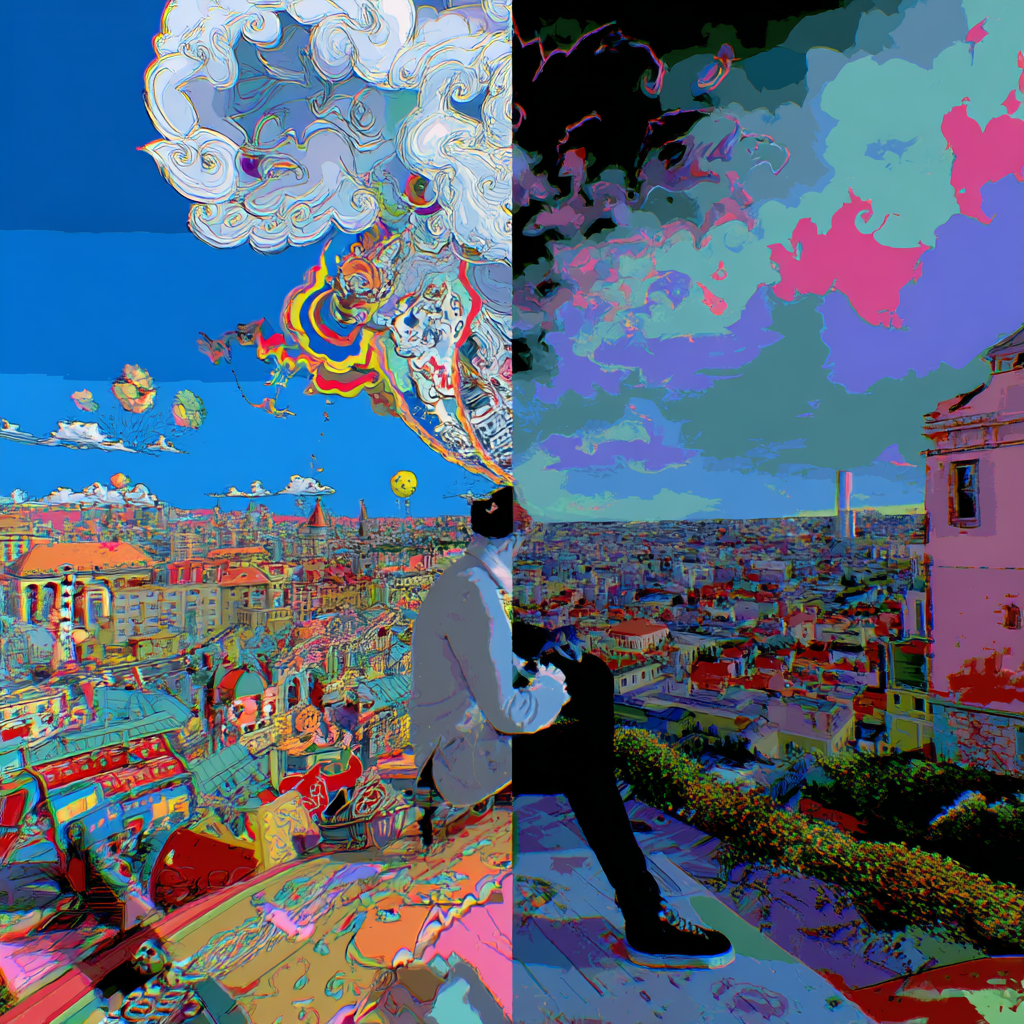
Google’s Gemini 2.5 Pro allows users to transform summer photos into interactive games without any coding. By simply uploading an image, the AI creates a mini-game based on the photo, offering a fun and personal way to relive memories. This innovation emphasizes creativity and playfulness in AI technology.
-

HELLO CREATORS, Ever wanted to turn a static icon idea into a clean, animated 3D visual — without touching After Effects?Here’s a quick and easy way to do exactly that using ChatGPT’s GPT-4o image generation and Freepik’s built-in AI video tools. Whether you’re building UI elements, micro-animations, or just experimenting with motion design, this flow…
-

Freepik’s AI Suite allows creators to produce cinematic CGI-style videos easily. Key steps include generating reference images, animating them, adding sound effects, and upscaling videos for a polished final product.
-

Google Labs launched Gentype, an experimental tool allowing users to create unique alphabets from images. This AI-powered platform enables personalized typography for various creative projects.
-

Freepik’s new Background tool simplifies image editing by allowing users to remove, replace, and relight backgrounds effortlessly. It’s designed for creators seeking efficient visuals without complex skills.
-

Kling AI’s new Multi-Elements feature allows users to easily swap objects in videos without complex editing. It’s accessible for creators needing fast, customized video content.
-
OpenAI Academy is a new, interactive learning hub designed for all skill levels to enhance AI knowledge, featuring hands-on exercises and resources within ChatGPT for diverse creators and learners.
